Explore WebParts
Discover flexible web parts that help you build engaging intranet experiences while staying true to your brand.
Web part Playground
Explore and interact with all web parts, and experiment with their properties in one place.
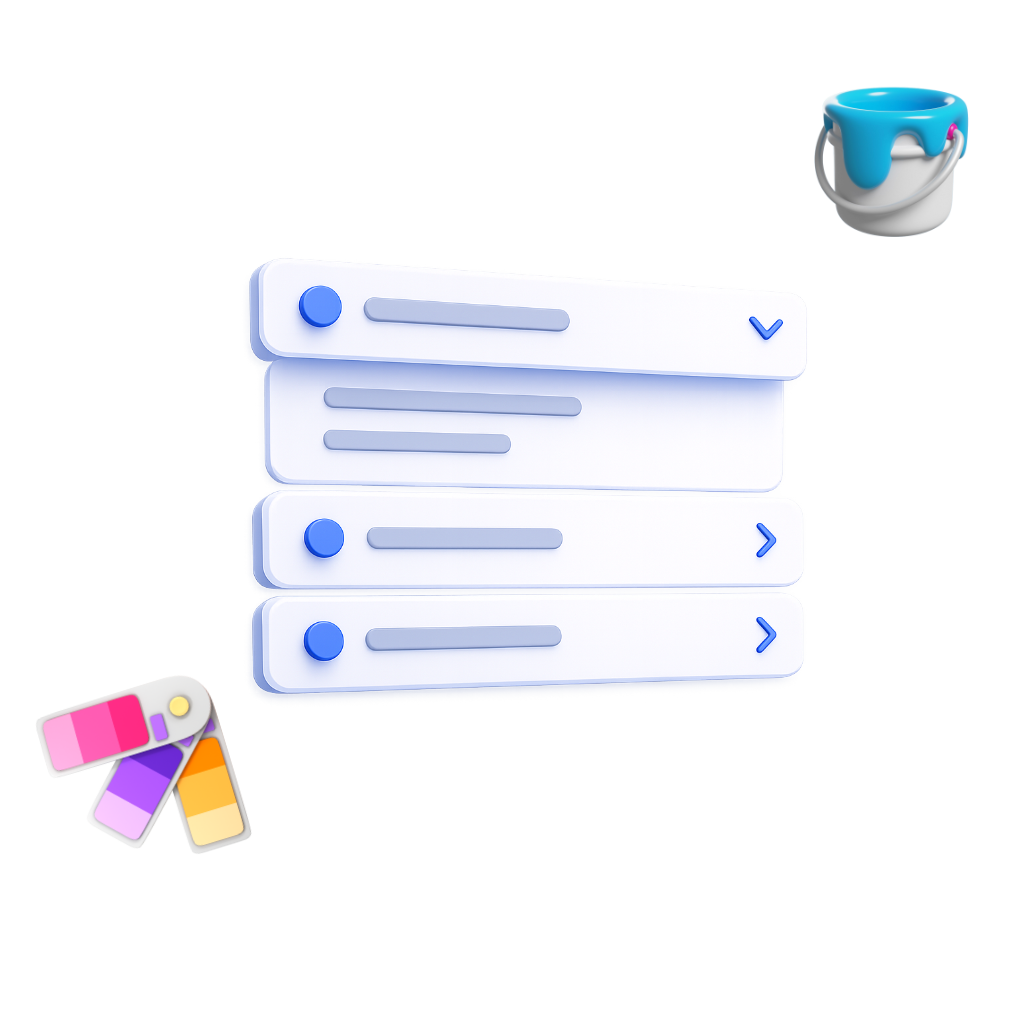
Turn long content into clean, expandable sections that can be styled to fit your page and brand.
Make important announcements impossible to miss with a prominent banner styled to match your brand.
Turn blocks of text into clear, easy-to-scan bullet points that can be styled to match your brand.
Guide users to important tools and resources with a customizable call-to-action that fits your brand.
Guide users to important tools and resources with customizable call-to-action buttons that fit your brand.
Present information in a compact card layout with customizable styling to match your brand.
Organize multiple pieces of content in a responsive grid of cards that can be styled to fit your brand.
Highlight key content with rotating slides that can be customized to fit your brand and messaging.
Create a welcoming experience with a personalized greeting styled to match your brand.
Display locations and geographic information on an interactive map that integrates with your page design.
Give users quick access to the links and tools they use most with a layout that fits your brand.
Keep upcoming meetings front-of-mind with a clear schedule view that fits seamlessly into your page design.
Help users stay organized with a simple task view designed to integrate cleanly with your intranet.
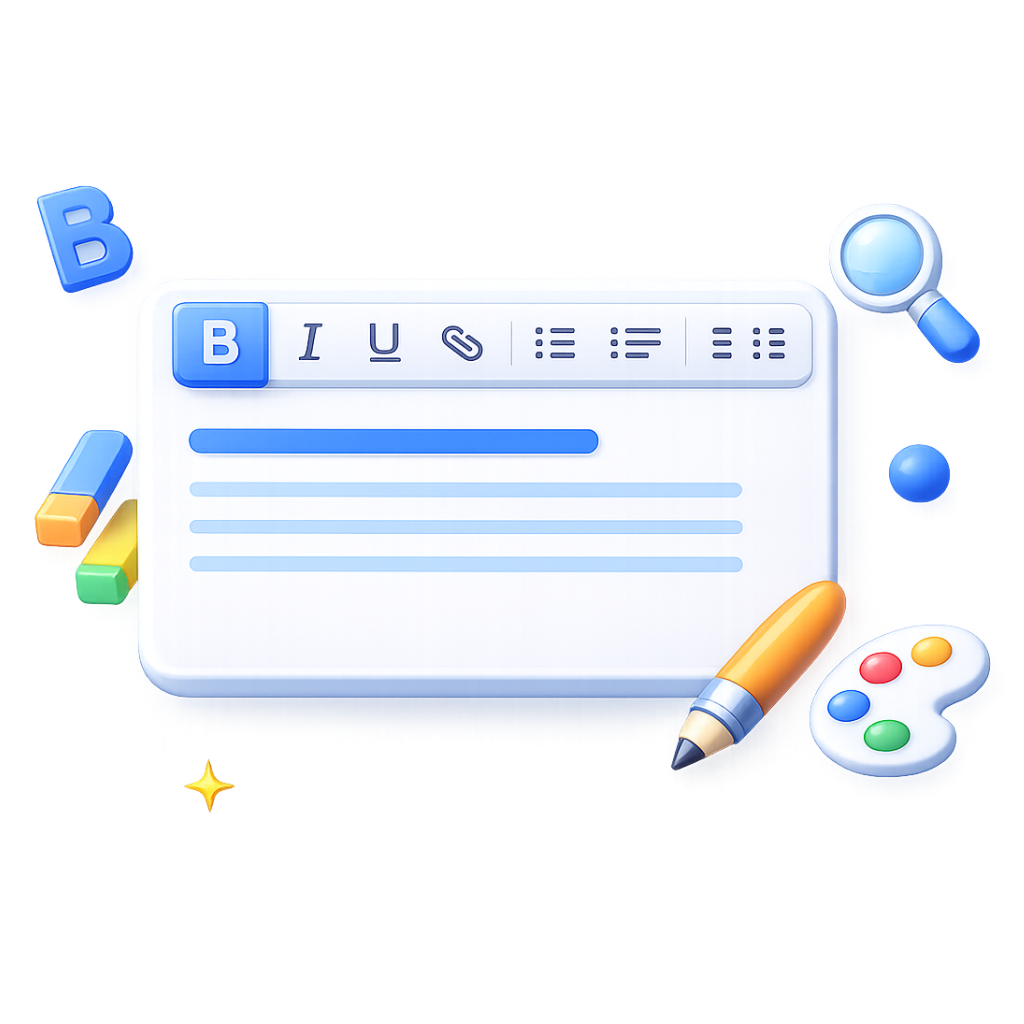
Add rich, formatted text content that can be styled to match your page and brand.
Organize content into clearly separated sections using a tabbed layout.
Keep users informed with current weather conditions displayed in a layout that fits your page design.
What is WebPart Studio?
WebPart Studio is a SharePoint file management app that helps teams organize, view, and manage files efficiently.
It provides improved metadata views, inline editing, custom filters, and consistent layouts across your organization.